Settings Page
Extra Fields for ACF adds a dedicated top-level Extra Fields menu in the WordPress admin. This is where you manage your Pro license key and configure any plugin-wide options.
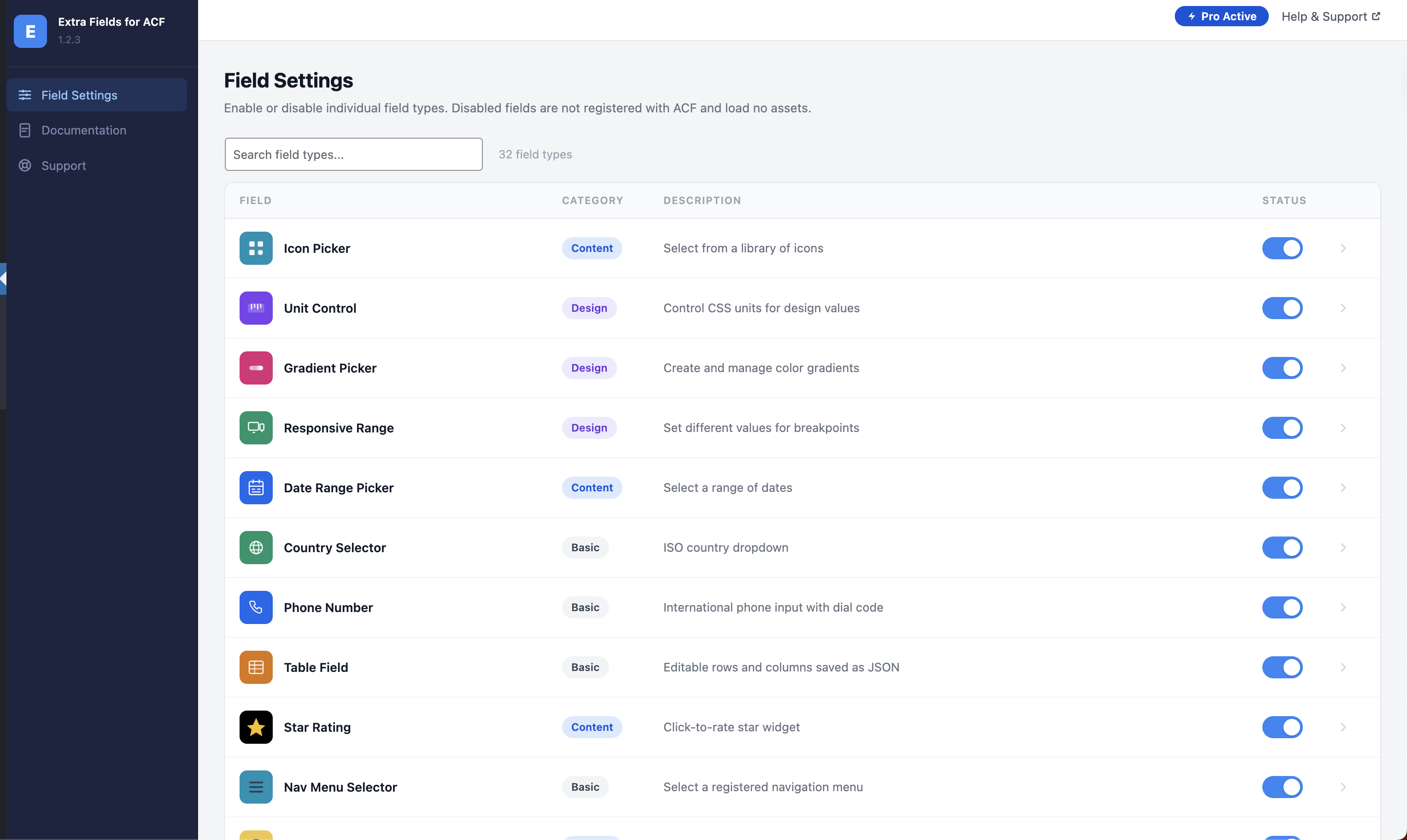
Accessing the settings
From the WordPress admin sidebar go to Extra Fields (top-level menu item). The screen is only visible to administrators.
License
Enter your Pro license key here to activate premium field types. After entering the key click Save — the plugin will verify the key with the licensing server and unlock Pro fields immediately.
Where to find your key
Your license key is in the confirmation email sent after purchase, or in your account at customers.freemius.com.